The Complete Guide to Time Blocking in 2026


8 out of 10 workers use no time management method at all.
Yet 7 out of 10 work overtime.
Put those two numbers side by side and something doesn't add up. People are working hard, they're just not working with any structure. Working more and working better are completely different problems, and the data makes that clear.
Time blocking is the most direct method for closing that gap.
In 2026, AI scheduling tools are everywhere — but if anything, the essence of time blocking has only become more important. From the basics to what's changed in 2026, this is everything you need in one place.
What Is Time Blocking?
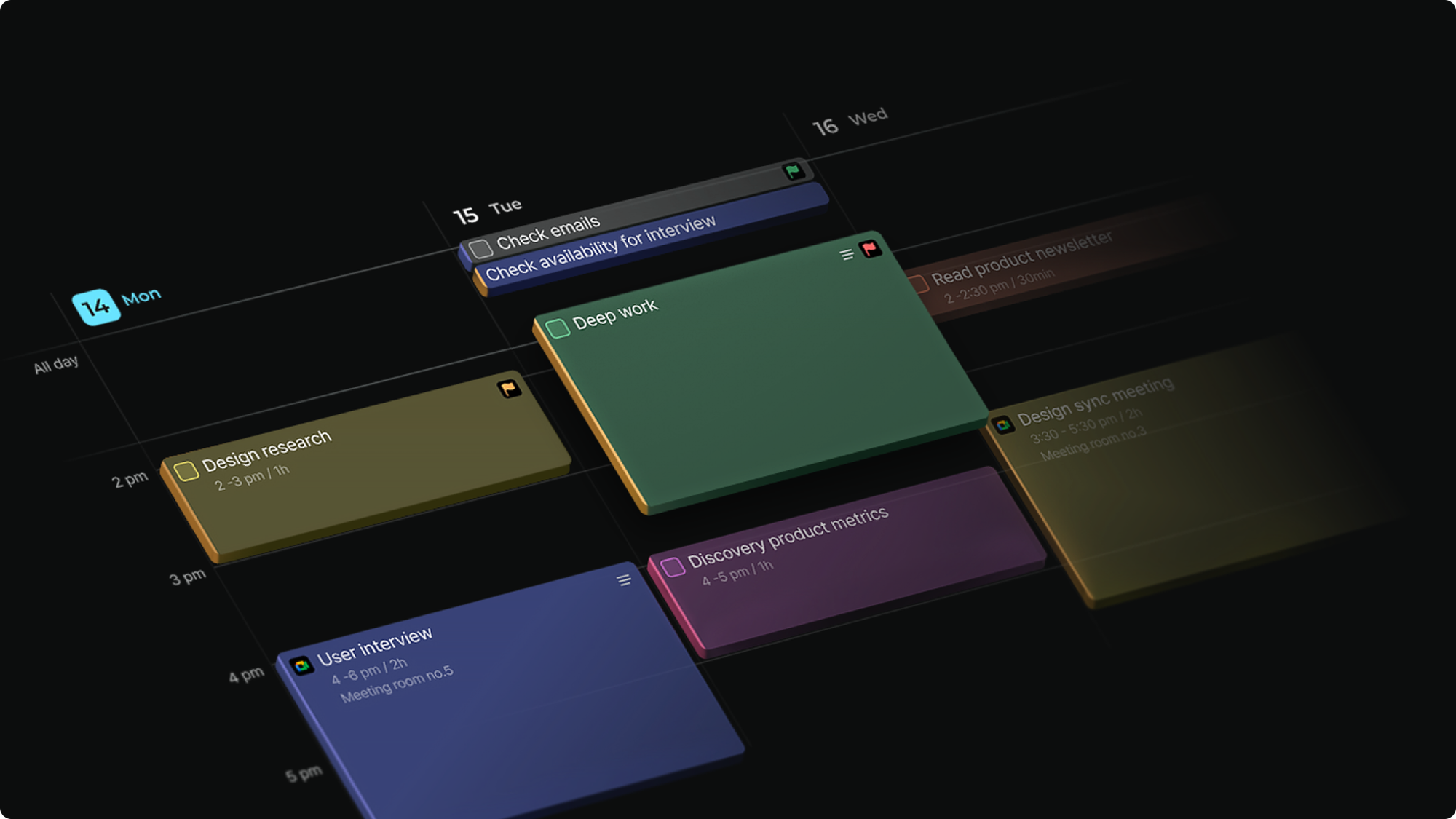
Time blocking is the practice of moving your to-dos onto your calendar as dedicated time slots. Simple in one sentence — but the difference from a to-do list becomes clear the moment you compare the two.
A to-do list records "what." Time blocking decides "when."
If "write the report" sits on your to-do list, that task is still open-ended. It could happen today, tomorrow, or get pushed to next week. It stays as "something I have to do" regardless of whether you have the time or energy for it. That's why to-do lists pile up.
But "Tuesday 10–12am: draft the report" on your calendar becomes a commitment. It gets a protected slot, just like a meeting. When that time comes, there's nothing to decide — you just do the work.
Cal Newport puts it this way:
"A to-do list is an intention. Time blocking is an execution plan."
To-do lists aren't bad. But a to-do list alone can't guarantee action. Intention becomes behavior only when it has a time. Time blocking is the act of reserving that time in advance — turning "I'll do it later" into "I'll do it Tuesday at 10."
Why It Matters More Than Ever
Time blocking isn't a new concept. So why is it getting more attention in 2026?
Researcher Gloria Mark spent decades tracking knowledge workers and found that people's ability to sustain focus on a single task has dropped 97% over 20 years. Smartphones, Slack, and constant email notifications are the new baseline.
From the same research: once focus is broken, it takes an average of 23 minutes to return to the original task. If your concentration is interrupted just 10 times in a day, nearly 4 hours disappear into "recovery time."
Time blocking changes this structure. When email checks and Slack replies are confined to designated time slots, you reduce how often your focus gets broken in the first place — not through willpower, but through calendar design.
3 Core Principles of Time Blocking
1. Give every task a time address
The first principle is simple: eliminate "later."
"I'll do it later" almost always means "I won't do it." The moment you assign a time address — "Thursday, 2pm, 30 minutes" — the task becomes a commitment, not just an obligation.
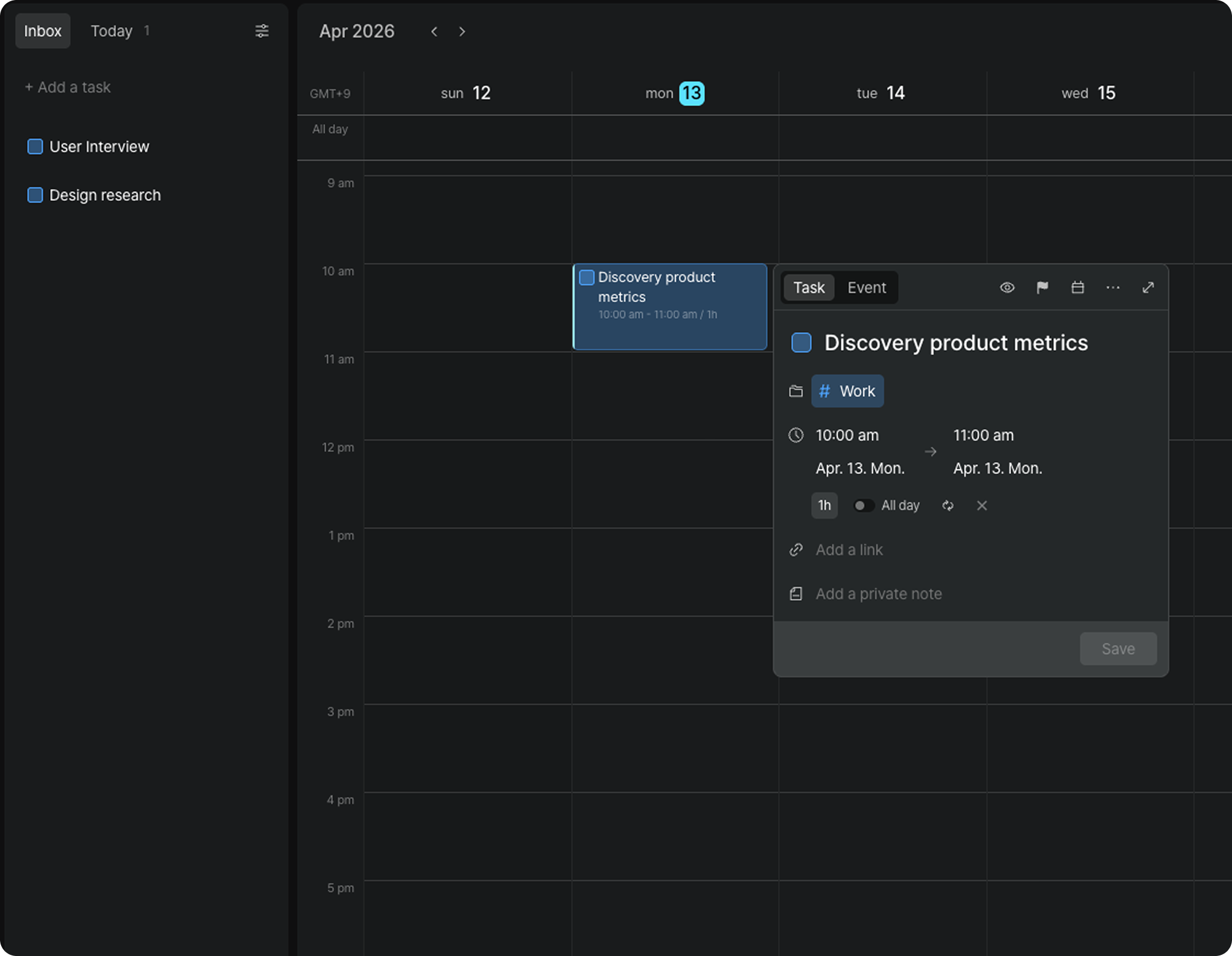
When moving tasks from your Inbox to your calendar, remember: a task isn't really planned until it has a time block. The block is what makes it an execution plan.
2. Schedule around your energy curve
The second principle is designing not just what, but when.
Dropping tasks into empty slots is different from placing focus-intensive work during your peak energy hours.
Most people hit their highest cognitive performance in the morning. If that time is going to email, you're spending your most expensive attention on your cheapest work.
The basic design: deep work in the first block of the morning, meetings and communication in the afternoon when energy dips. If you don't know your energy pattern, one week of tracking will reveal it.
3. Build buffer time into the design
The most common mistake when starting time blocking: filling every slot.
A calendar packed wall-to-wall is a fantasy, not a plan. Meetings run long. Requests arrive unexpectedly. Reality always takes more time than the plan assumes.
Leave intentional 15–20 minute buffers between blocks. That white space is your reset — the breathing room that lets you actually focus on the next block. Empty time isn't waste. It's design.
5 Variations of Time Blocking
Within the time blocking framework, there are variations to choose from depending on your goals and work style.
Time Boxing — Set a hard time limit on a block. Allocate 90 minutes to "write the report" and stop when time's up, regardless of completion. This deliberately counters Parkinson's Law: work expands to fill the time available.
Task Batching — Group similar tasks into a single block. Instead of handling email, Slack, and admin separately throughout the day, consolidate them into a "communications block" to reduce context-switching overhead.
Day Theming — Assign a theme to each day of the week. Monday for planning, Tuesday for meetings, Wednesday for deep work. Especially effective for people juggling multiple roles simultaneously.
Deep Work Blocking — Fix a distraction-free focus block as the first slot of the day. The key is making deep work something that's "pre-scheduled on the calendar" rather than "done when time allows."
Pomodoro Technique — The Pomodoro Technique improves focus by alternating short bursts of concentrated work with brief breaks. Work intensely for a set period, take a short rest, then repeat.
Time Blocking in 2026 — AI Helps, But Humans Still Design
AI scheduling tools have grown rapidly this year. Tools like Reclaim and Motion automatically place tasks on your calendar and reschedule in real time when meetings shift.
Can these tools replace time blocking?
Partly, yes. Repetitive scheduling, finding open slots, resolving conflicts — AI handles all of this faster than any human. Teams using AI scheduling have reported an average of 9.8 additional hours of focus time per week.
But there's something AI can't do.
Deciding what matters most this week. AI can optimize your calendar, but it doesn't know what's important. Which meetings are actually worth your time, which project deserves your focus right now — that judgment still belongs to you.
The real value of time blocking isn't automating your schedule. It's building the habit of deciding what to do and when — and developing the instinct for it.
Even if AI is drafting your schedule, the person who sets the criteria for that design still needs to be you.
How to Start Tomorrow
No need to overcomplicate it. Three steps.
Step 1. Spend 10 minutes tonight or tomorrow morning
Write out what you need to do tomorrow. Separate what's important from what's urgent. The important-but-not-urgent items are exactly where time blocking does its best work.
Step 2. Assign time to each task
Honestly estimate how long each task will take. Getting it wrong at first is fine — accuracy improves with repetition. A single block is typically 25 minutes to 2 hours.
Step 3. Place the blocks on your calendar
Put the most focus-intensive work in your highest-energy slot first. Then fill in meetings, email, and admin. Leave intentional buffer gaps.
If you want to manage tasks and calendar together in one view, try Arch Calendar. You can keep tasks in your Inbox and drag them directly onto the calendar — making time blocking a more natural part of your daily flow.
When Time Blocking Isn't Working
"My schedule was too packed"
A perfect plan collides with reality. Aim to fill only 60–70% of your day and leave the rest as buffer.
"I give up when it breaks down"
Time blocking breaking down is normal. What matters is getting back on track. When the day goes sideways, do a mini-reset with whatever time remains. Five minutes is enough.
"I'm trying to block everything"
Start with just 1–2 important blocks per day. The habit expands naturally from there.
Time blocking isn't a tool for making your day busier.
It's a way of checking: did I actually spend time on what mattered today?
No matter how advanced AI becomes, deciding what's important and protecting that time is still a human responsibility. That instinct only develops through daily practice.
Tonight, open your calendar and place one block for tomorrow. That's where it starts.